


 Add to Chrome
Lite
For the occasional form
Early bird: 50% off
$5/month$10
Yearly: 20% off Early bird: 50% off
$4/month$10
- 350 credits each month
- 3 Projects, 10 files each
- 30 document imports a month
 Start free trial
One click and the form is filled, longer answers included.
We’re excited to learn more about you.
Share your experience with the community.
Let’s get to know your business.

Put what you’ve written to work.
Your CV, business details and notes. Ready to reuse.
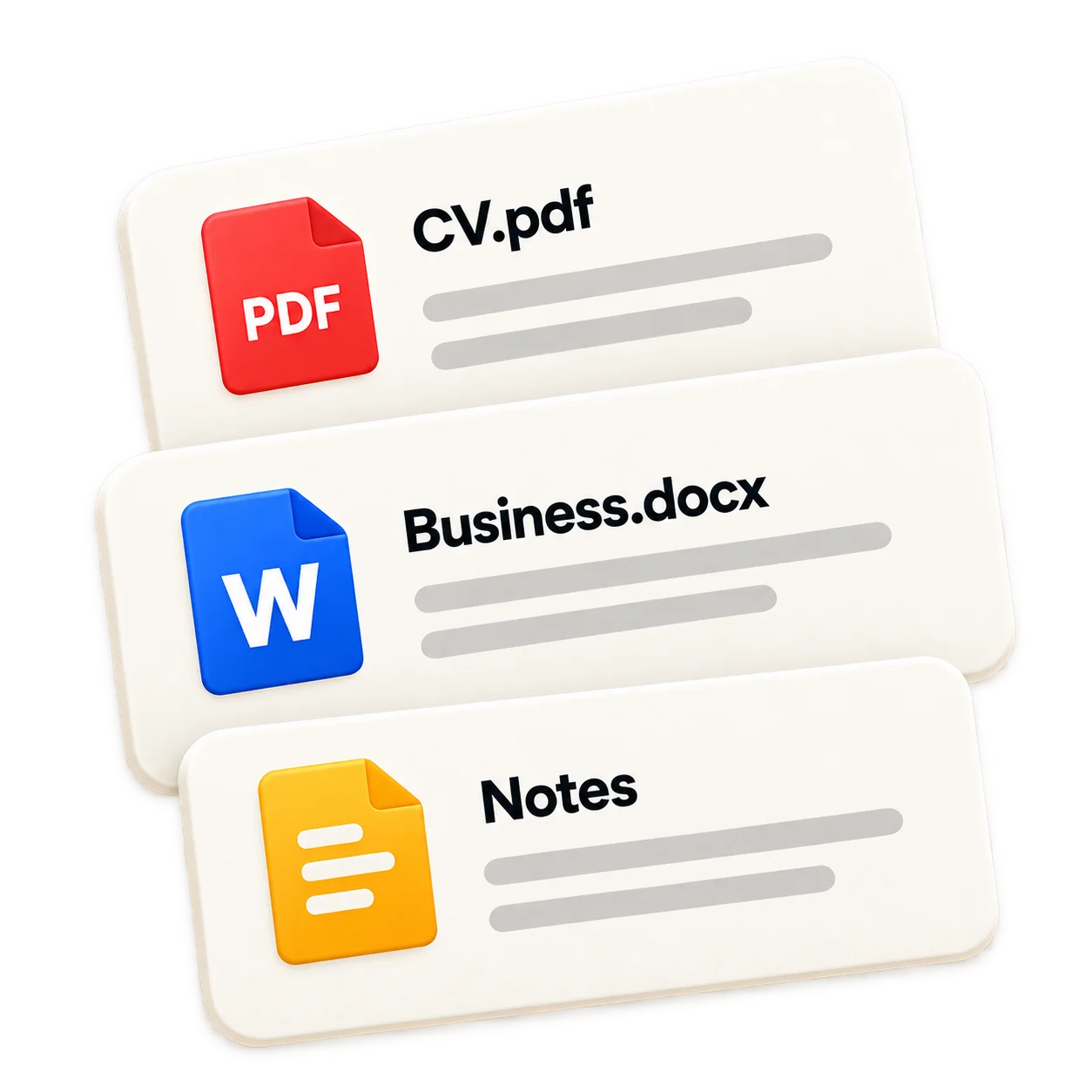
One click turns your documents into answers.
Check it, make it yours, and submit.
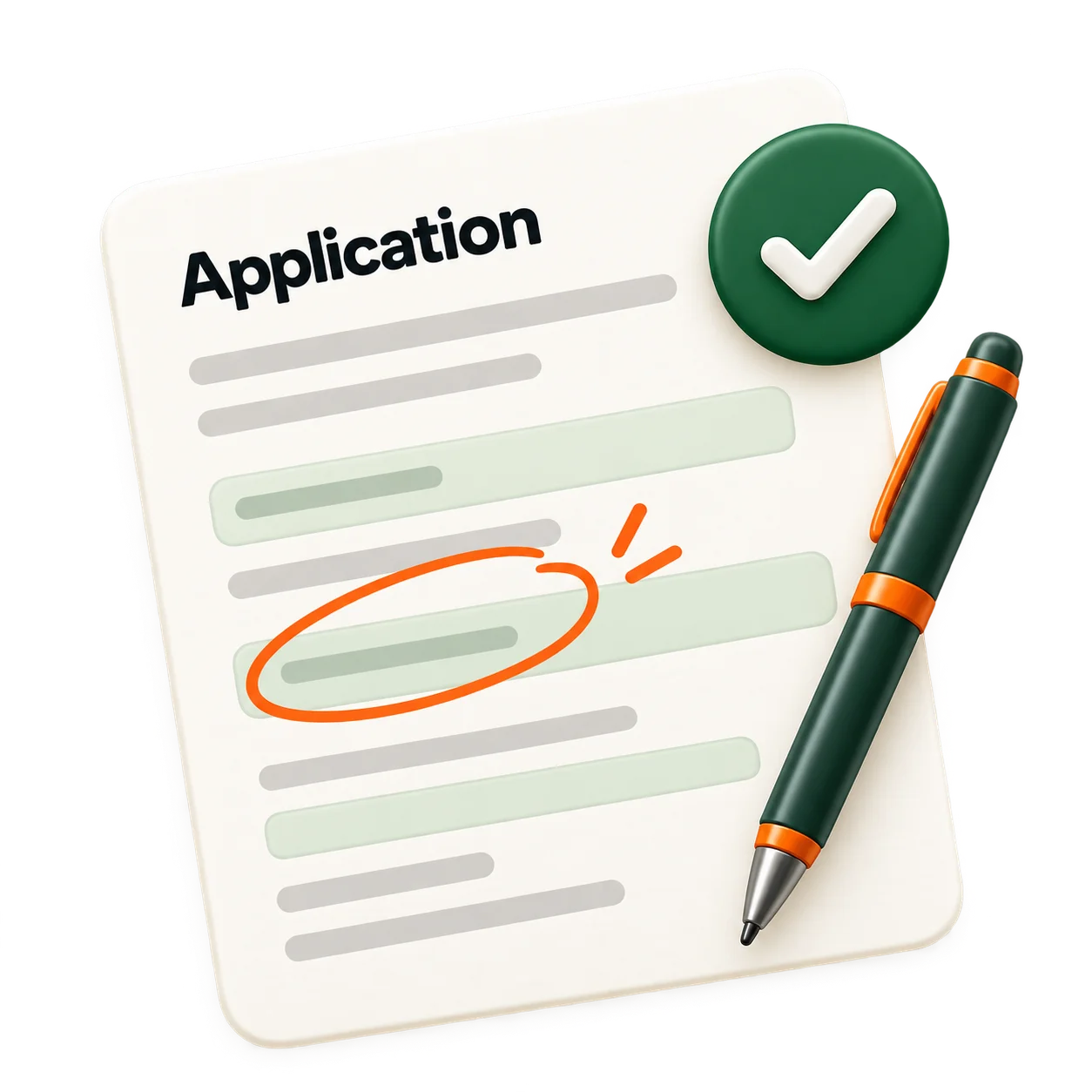
RIGHT THERE IN CHROME
Click the Auffy icon in any field. That’s the whole trick.
INTERACTIVE EXAMPLE
We’re excited to learn more about you.
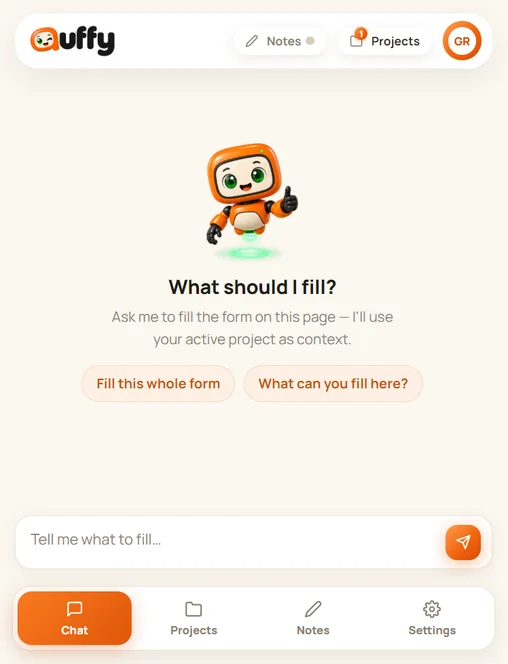
Start free. Stay because the forms fill themselves.
50% OFF Lite & Plus until January 1, 2027
50% OFF Lite & Plus for your first year. Offer ends January 1, 2027
For the occasional form
Early bird: 50% off
$5/month$10
Yearly: 20% off Early bird: 50% off
$4/month$10
For forms that fill your week
Early bird: 50% off
$10/month$20
Yearly: 20% off Early bird: 50% off
$8/month$20
For work that comes with paperwork
$40/month
Yearly: 20% off
$32/month$40

Yes. Auffy works as a Chrome extension on a desktop or laptop. Download it from the Chrome Web Store.
Most forms you open in Chrome: text boxes, longer written answers, dropdowns, checkboxes and radio buttons, including forms embedded from another site, like a job board’s application form. Auffy is designed to skip passwords, card details and file uploads.
No. Auffy helps prepare answers. You review the fields, make any changes, and decide when to submit the form yourself.
It leaves the field empty and asks you, in a few short questions. It’s built not to guess personal details or tick consent boxes for you, but always check before you submit. Longer written answers, like a bio or why you’re applying, are drafted from what your Project says, for you to check.
Plus starts with a 3-day free trial and 150 credits. A card is needed to start it. Cancel from Billing before the trial ends and you pay nothing; otherwise your plan starts and your card is charged.
Each request uses one credit, whether Auffy fills a whole form, one field or replies in chat, however long the form is. Extra brain adds one to a single field or a chat reply. Reading an uploaded PDF, Word file or image uses one; plain text files are free. Credits reset each month and unused ones don’t carry over.
Yes, from Billing in your account. Upgrades apply straight away; downgrades apply from your next billing period. If you cancel, you keep your plan until the end of the period you’ve paid for.
Not by us. We don’t train AI models on your documents, and the AI companies that draft your answers say in their published terms that they don’t either. Our Privacy Policy lists the companies that handle your data and where they are.
A Project is a set of documents and notes you give Auffy, about you, your business or a specific topic. Pick the Project that fits the form you are filling.
PDF, Word (.docx), JPG and PNG images, and plain text: TXT, Markdown, CSV and JSON. Scanned PDFs and photos of documents are read too. Save older .doc files as .docx first.

Start free today. Your next application takes one click.